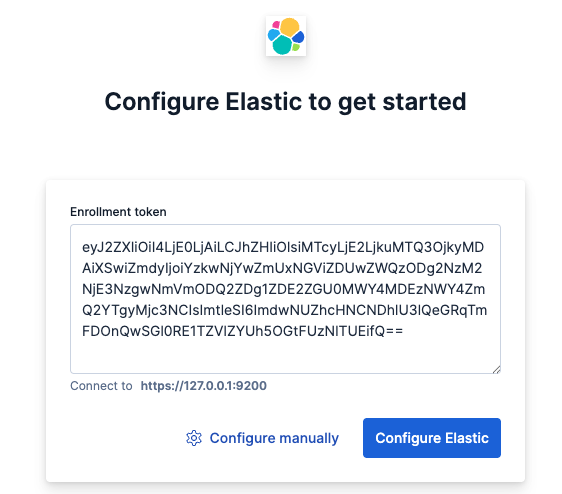
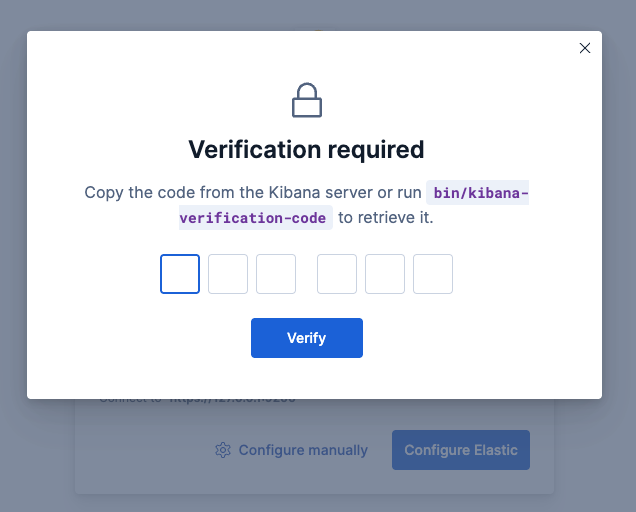
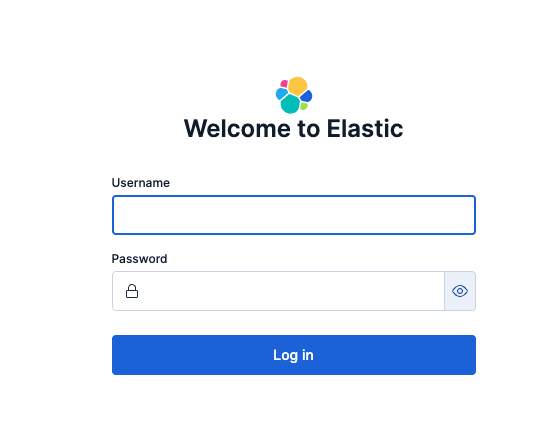
dpkg로 설치 후 superuser is라고 나오는 패스워드부분을 복사하고, Kibana 연결을 위한 Token 생성하는 명령어를 확인한다.
dpkg -i elasticsearch-9.2.3-arm64.deb

#########################################################
The generated password for the elastic built-in superuser is : nW*MbQKKcGpFoMIP1HGB

If this node should join an existing cluster, you can reconfigure this with
'/usr/share/elasticsearch/bin/elasticsearch-reconfigure-node --enrollment-token <token-here>'
after creating an enrollment token on your existing cluster.

You can complete the following actions at any time:

Reset the password of the elastic built-in superuser with
'/usr/share/elasticsearch/bin/elasticsearch-reset-password -u elastic'.

Generate an enrollment token for Kibana instances with
 '/usr/share/elasticsearch/bin/elasticsearch-create-enrollment-token -s kibana'.

Generate an enrollment token for Elasticsearch nodes with
'/usr/share/elasticsearch/bin/elasticsearch-create-enrollment-token -s node'.
2-2. ElasticSearch 설정
Clustering을 위해 Cluster.name 및 node.name을 수정한다. (Clustering 안하면 필요없음.)
다른서버에서 접근가능 하도록 network.host, http.host, transport.host 전부 0.0.0.0 으로 해주었다.